
The Automation Toolbox

Since I began using Notion six years ago, it has morphed in ways that no one could have ever imagined. (Such is the case with no-code tools.)
These days, I'm particularly excited about Notion Workers—specifically, their ability to sync data from third-party systems. After noodling with them for the last month, I've started to implement them for myself and my clients.
In today's post, I'll explain how I replaced an effective but relatively expensive automation with a simpler, far cheaper one.

Early Automation Efforts
By way of background, I've used Notion as my CRM for years. When someone fills out the contact form on my site, Notion automatically generates a new prospect/client record in my CRM01 database. If the inquiry is legitimate, then I emailed the person a scheduling link. When that individual booked time with me via Calendly, a little automation magic:
- Matched the existing CRM01 record (via email address).
- Created a new meeting record in the related CRM02 database. (After our call, I'd post the Zoom meeting in that new CRM02 entry and the NotionAI meeting transcriptions. In total, there would be CRM02 entry per client or prospect per meeting.)
The automated matching process worked, but it was neither terribly elegant nor cost-efficient. In its most recent incarnation, I routinely fired a Notion custom agent to see if any new client or prospect meetings appeared in my Google Calendar. If the answer was yes, then the agent created a new CRM02 record and notified me.
Brass tacks: Over the last few months, I wasted plenty of tokens. Still, it was the best I could do under the circumstances.
Gain a deep look into how your team, department, or organization uses its current tools—and what it can do better.
Changes and Savings
Not too long ago, I made two significant changes. First, I ditched Calendly for TidyCal. Second, I began using Apple Calendar in lieu of Google's equivalent.
These shifts made me ask a fundamental question: Can I improve my own internal process? Thanks to Notion Workers, I could and did.
What else can I automate?
I created a TidyCal API key and went to work with the Notion CLI and Claude Code. In no time, I had spun up a new Notion Worker and database that pulls all my TidyCal bookings. A few fancy automations do the same matching for me and alert me of new CRM02 records.
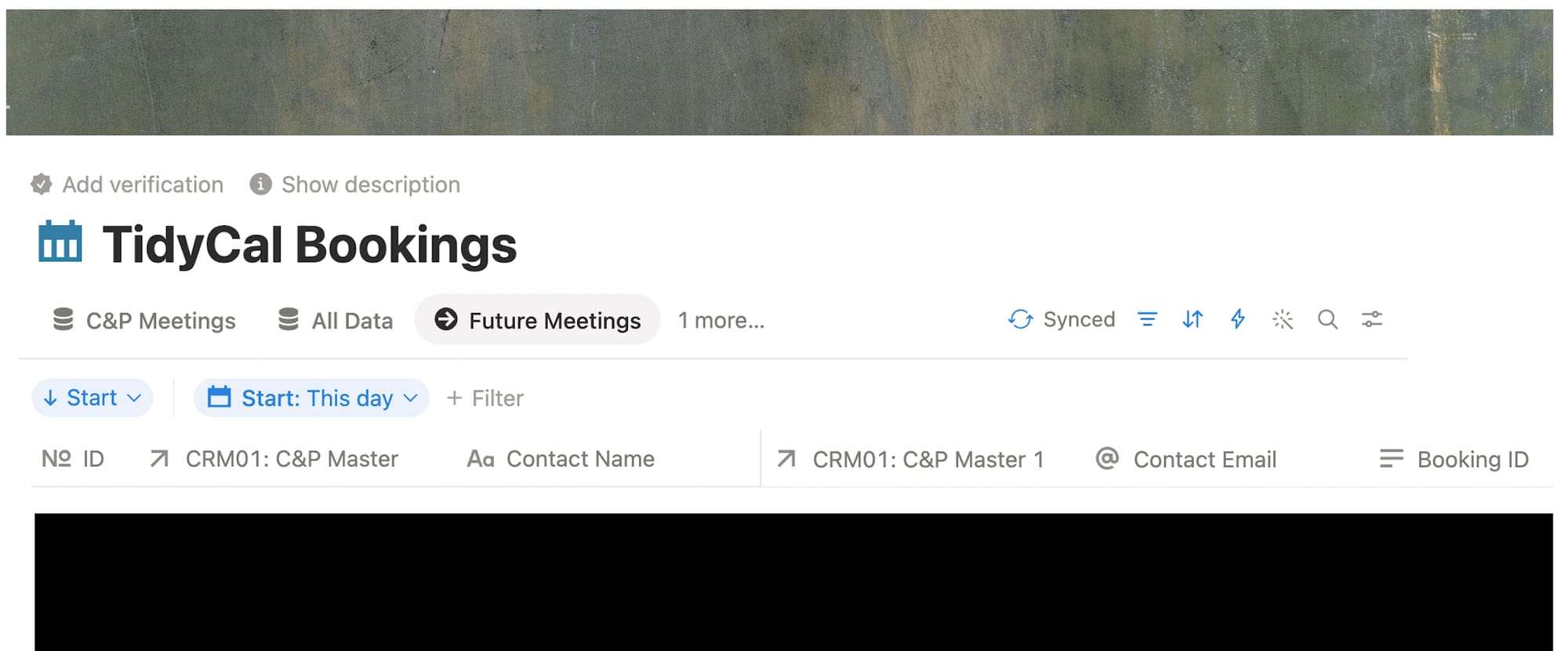
Even better, I can view and edit those meetings right from client and prospect CRM01 database records:
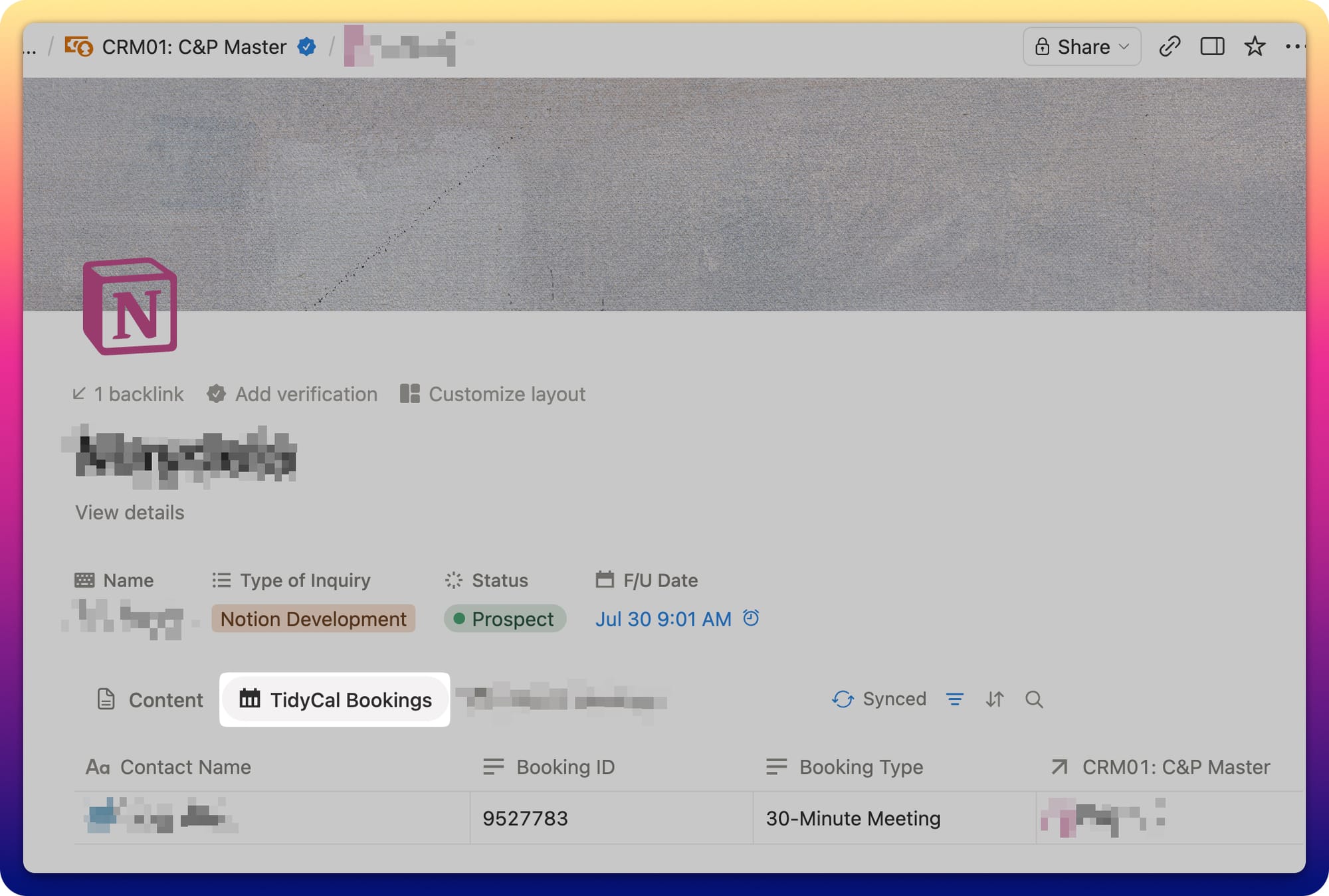
I suspect that I reduced my supplemental Notion charges from this automation by roughly 90 percent. What's more, the new, far smoother process effectively nullifies Notion's über annoying Apple Calendar bug. Everybody wins.
 Phil Simon
Simon Says
There are more ways than ever to automate manual processes. In the Notion world alone, adroit developers can access:
- Integrations.
- Custom agents.
- API calls.
- MCPs.
- Webhooks.
- Native automations.
- Zapier, Make.com, and other third-party tools.
Collectively, the Notion developer's toolbox has never packed more power. Of course, some methods are better and less expensive than others.
The broader lesson: Just because you've already automated a business process doesn't mean that you can't do better.






Member discussion